Craft listings on the go in minutes

Unified listing input with real-time compliance, smart autofill, and AI-assistance.
feature HIGHLIGHTs

Everything you need to get listings live without friction

Unified Listing Form

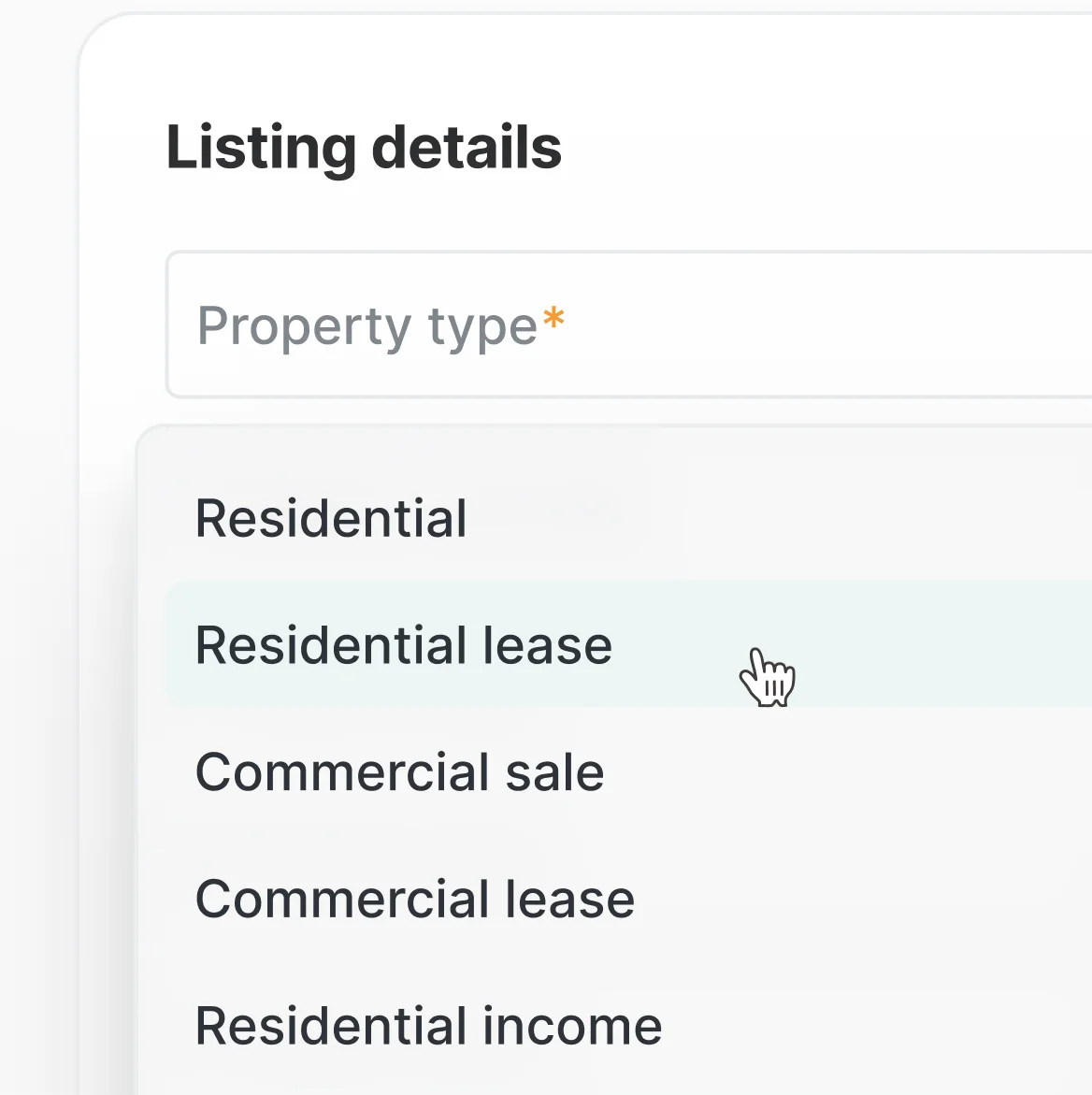
One form that adapts to any property type or status. The structure of the form dynamically responds to entered data.
Real-Time Compliance

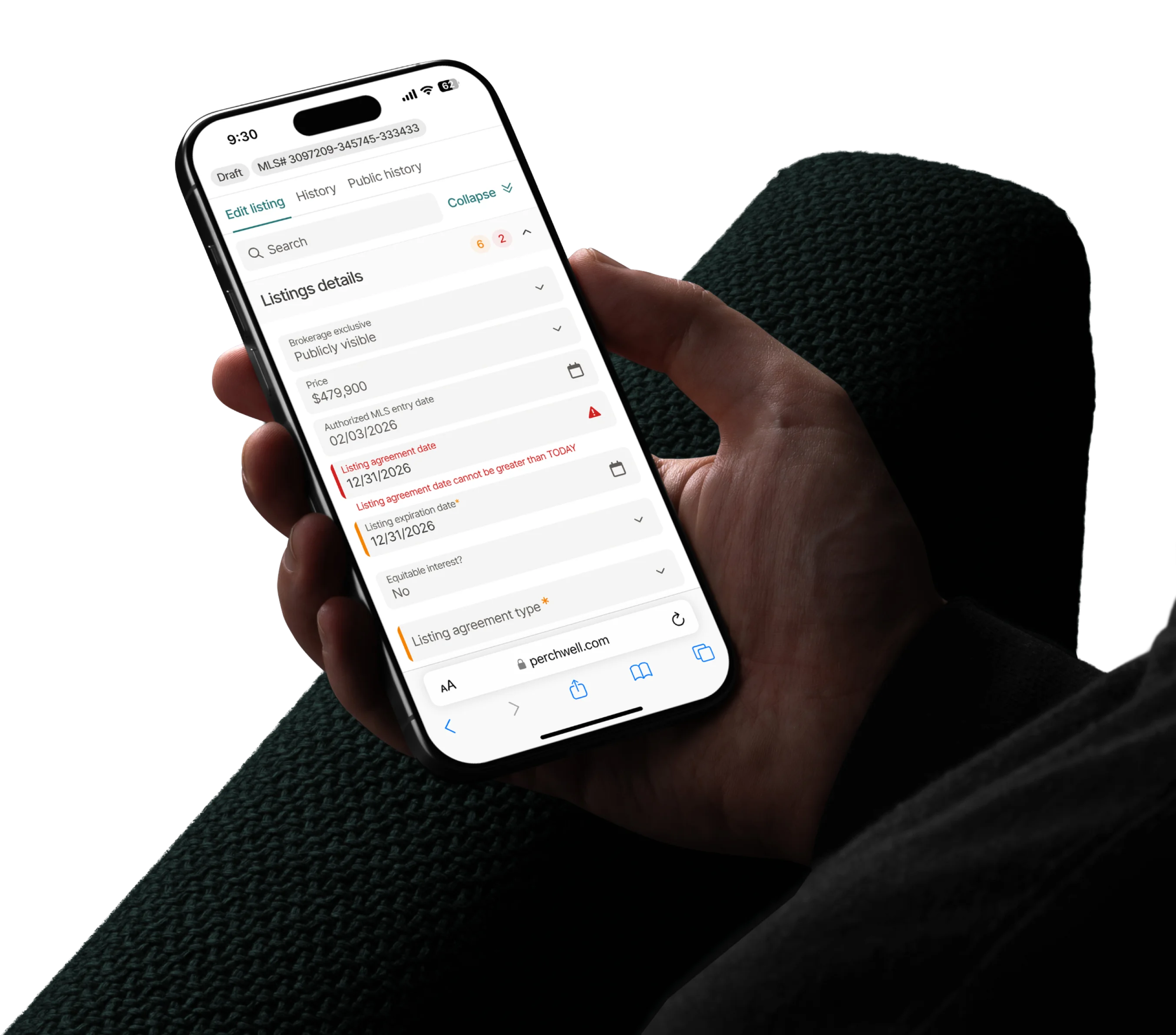
Business rules are enforced as you enter data to catch errors at the source.
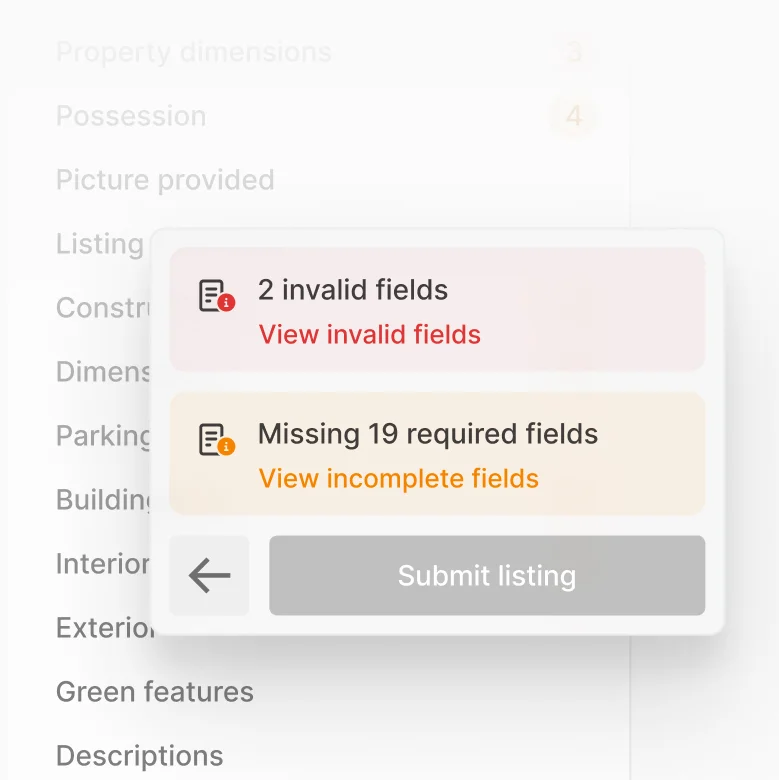
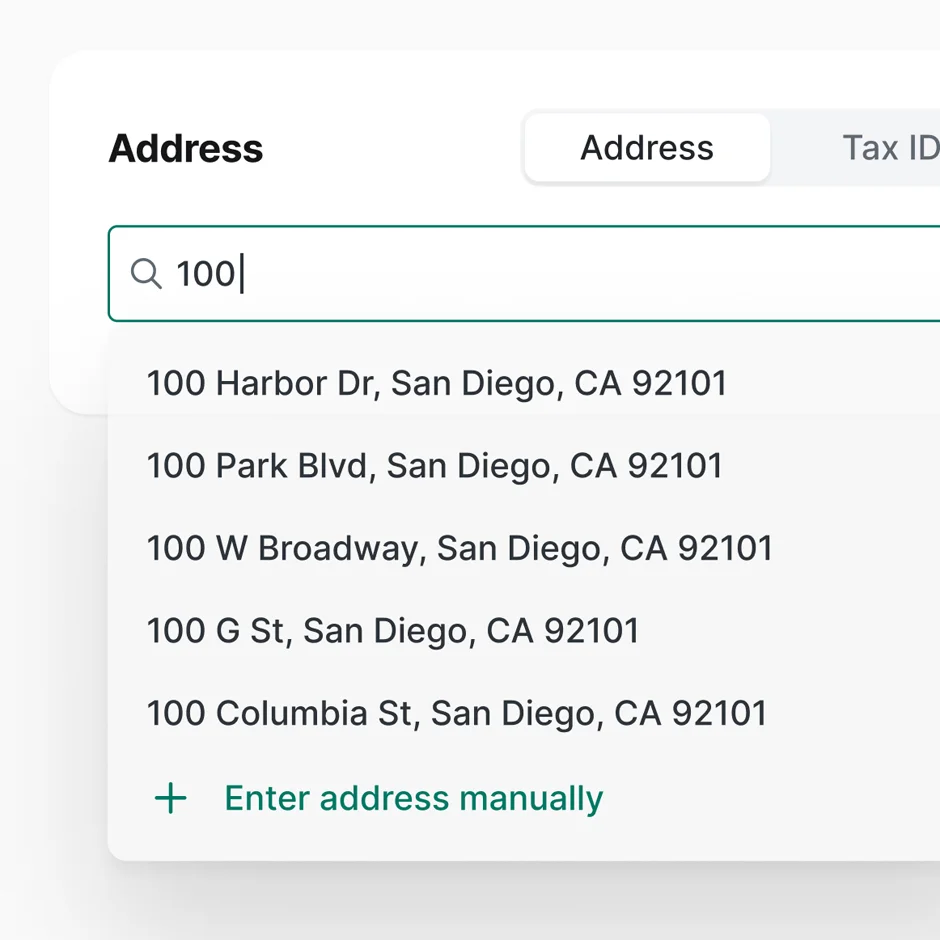
Smart Autofill

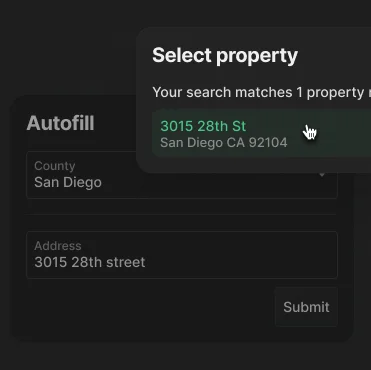
Auto-populate fields from tax records, previous listings, and any public records provider.
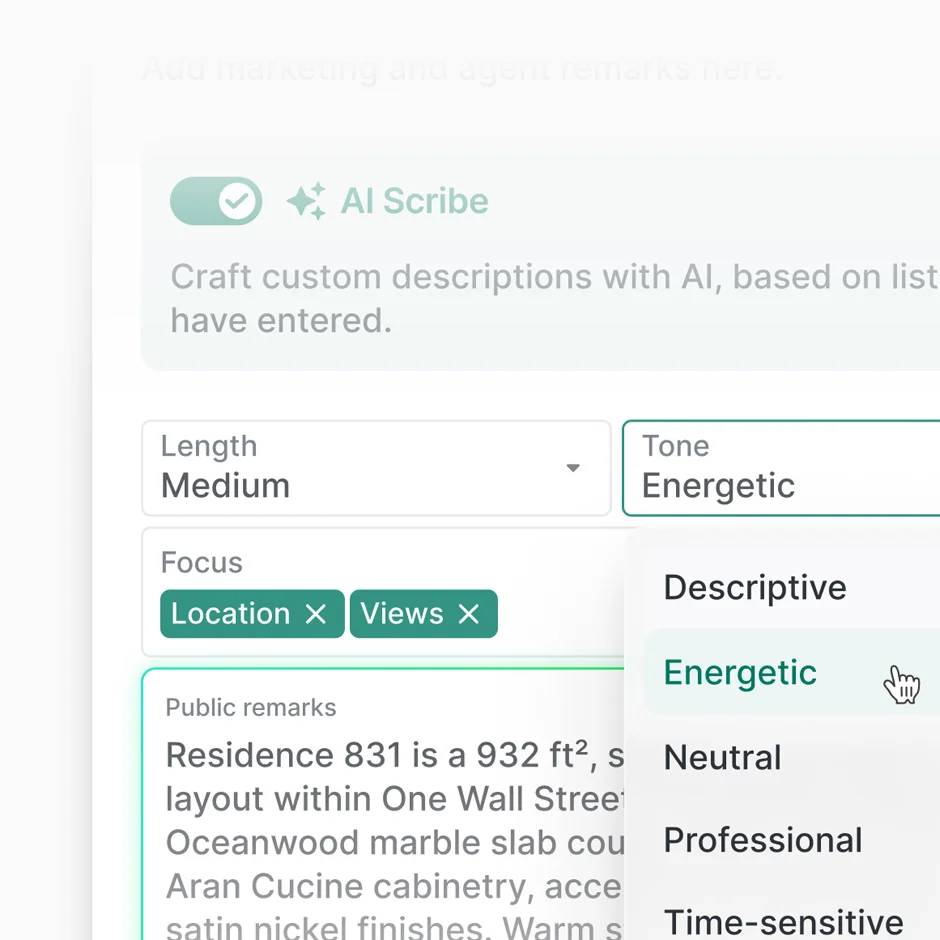
AI Scribe

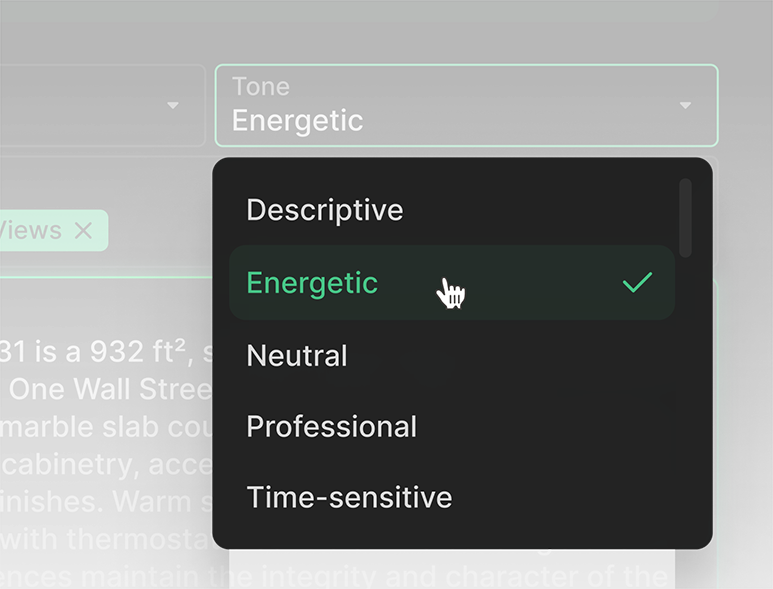
Generate FHA-compliant listing descriptions in seconds.
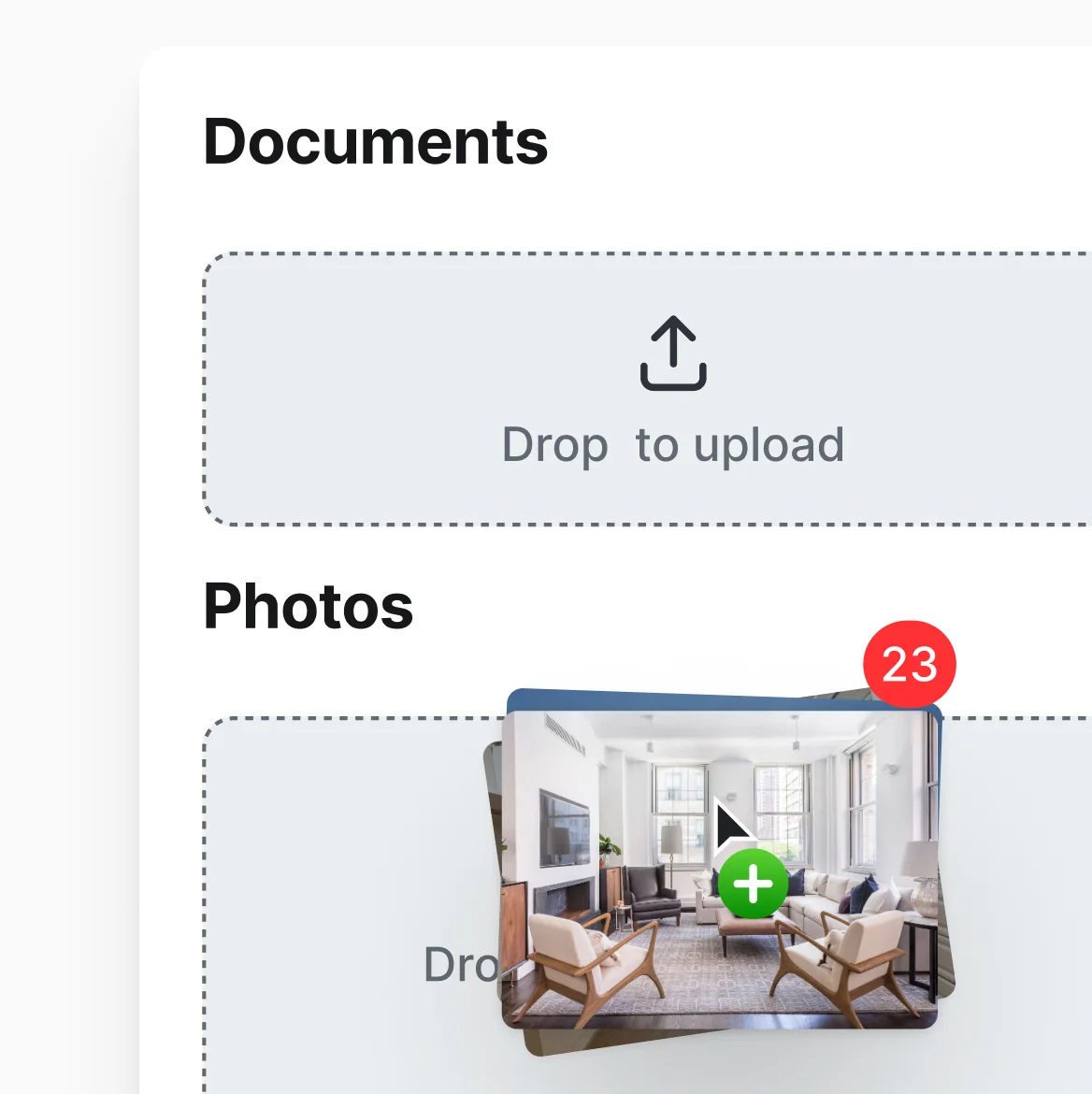
Media Management

Drag-and-drop photos, videos, virtual tours, and documents.
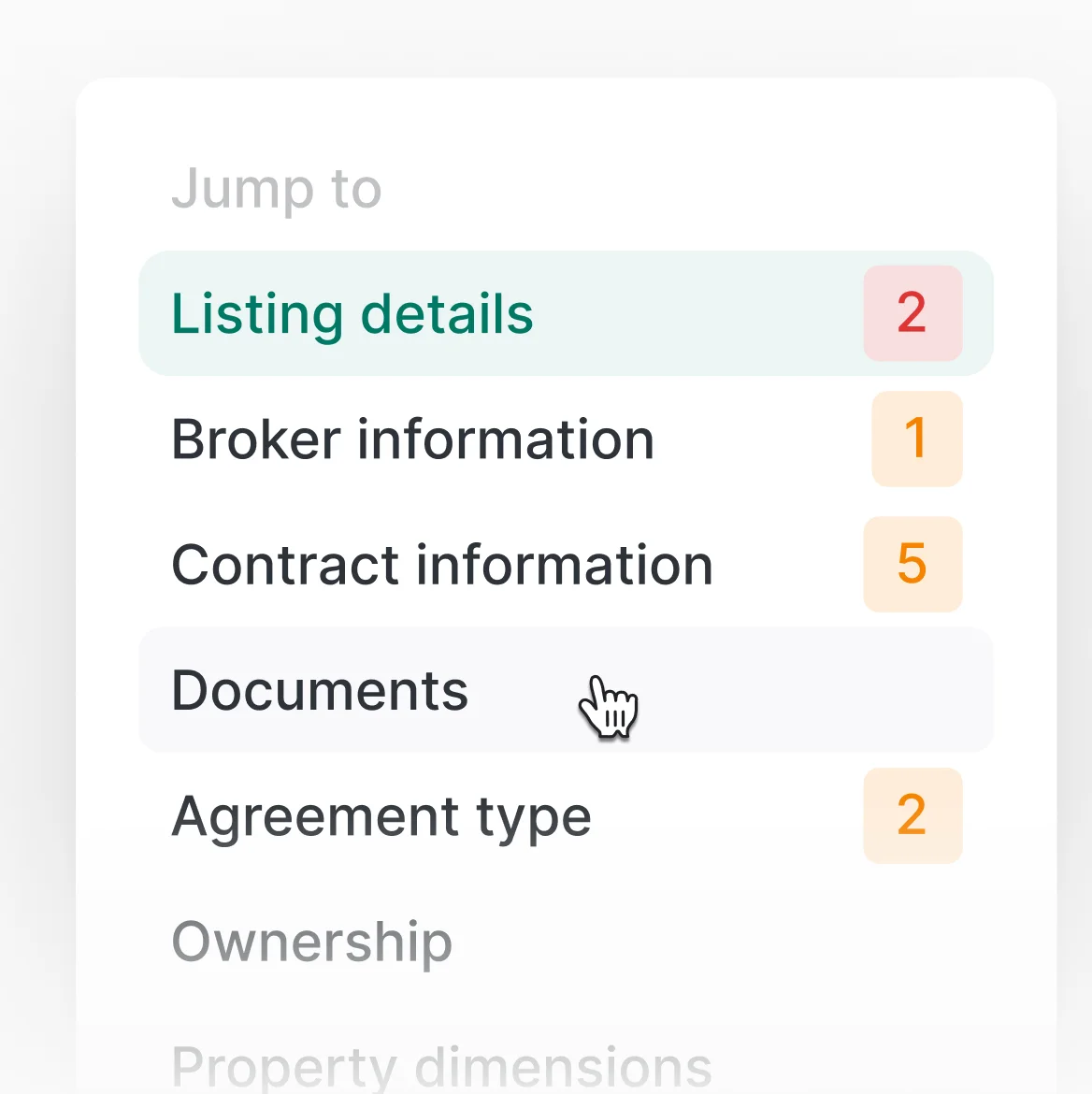
One-Click Navigation

Jump directly to any field or section in a click.
workflow

Get a new listing live before you leave the property

1

20 SECONDS

Enter the address and autofill does the rest.

Open Add/Edit, select property type, and type the address. Perchwell pulls tax data to autpopulate the maximum listing data.

2

~10 MINUTES

Walk room to room and enter 
details as you go.

Add bedrooms, bathrooms, key features, list price. Real-time compliance validates every field inline.

3

~10 secONDS

Tap AI Scribe.

A professional, FHA-compliant listing description generates in seconds using the information that you entered in the form.

4

~30 secONDS

Let your photographer upload photos.

Upload all listing photos at once and rearrange them with the drag-and-drop interface.

Frequently Asked Questions

How does smart autofill work? What data sources does it pull from?

Smart autofill pulls from tax records, county parcel data, and MLS-configured data sources. When you enter an address, Perchwell populates fields like square footage, lot size, year built, parcel number, and property characteristics. Your MLS controls which data sources are enabled and how they're prioritized.

Does AI Scribe comply with fair housing requirements?

Yes. AI Scribe generates FHA-compliant descriptions that focus on property features while avoiding protected class references or discriminatory language. You can always review, edit, and approve AI-generated descriptions before publishing, so you maintain full control over listing contents.

Can I start a listing on mobile and finish it on desktop?

Yes. Start a listing on your phone while you're at the property, save your progress, and continue on your desktop later. Or do the entire workflow on mobile. Everything syncs in real time across devices.

How does real-time compliance work? What happens if I make a mistake?

Real-time compliance validates your listing data as you type based on MLS business rules. Enter a value that violates a rule (like a price below minimum threshold or skip a required field), and you'll see an inline alert immediately with clear guidance. This catches errors before you submit and eliminates rejection cycles.

Can I manage photos and other media easily?

Yes. Drag-and-drop photo upload, video embedding, and virtual tour links all work seamlessly. You can reorder photos by dragging them into position, delete and replace images, and upload directly from your phone's camera. Your MLS controls file size limits and format requirements.

What property types are supported?

Perchwell's unified listing form supports all property types configured by your MLS: residential (single family, condo, townhouse, multi-family), commercial, land, and rental properties. The form adapts dynamically to show relevant fields based on the property type you select, so you never see fields that don't apply.

Join professionals nationwide using Perchwell

Book a live demo with our team

Thank you for your interest in Perchwell! A member of our sales team will contact you shortly.

Oops! Something went wrong while submitting the form. Please check your information and try again.