Showcase your reputation

Share insights with branded reports and deep market or saved search analytics.
feature HIGHLIGHTs

Everything you need to research, report, and present

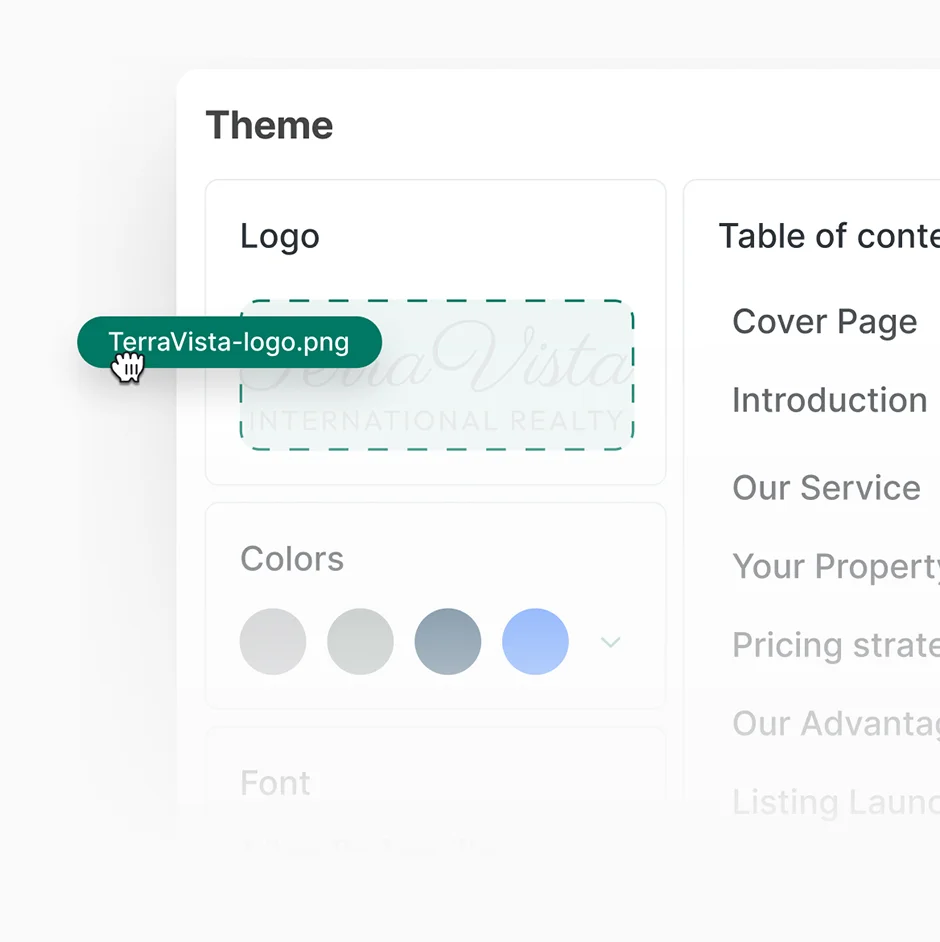
Elegant agent branding

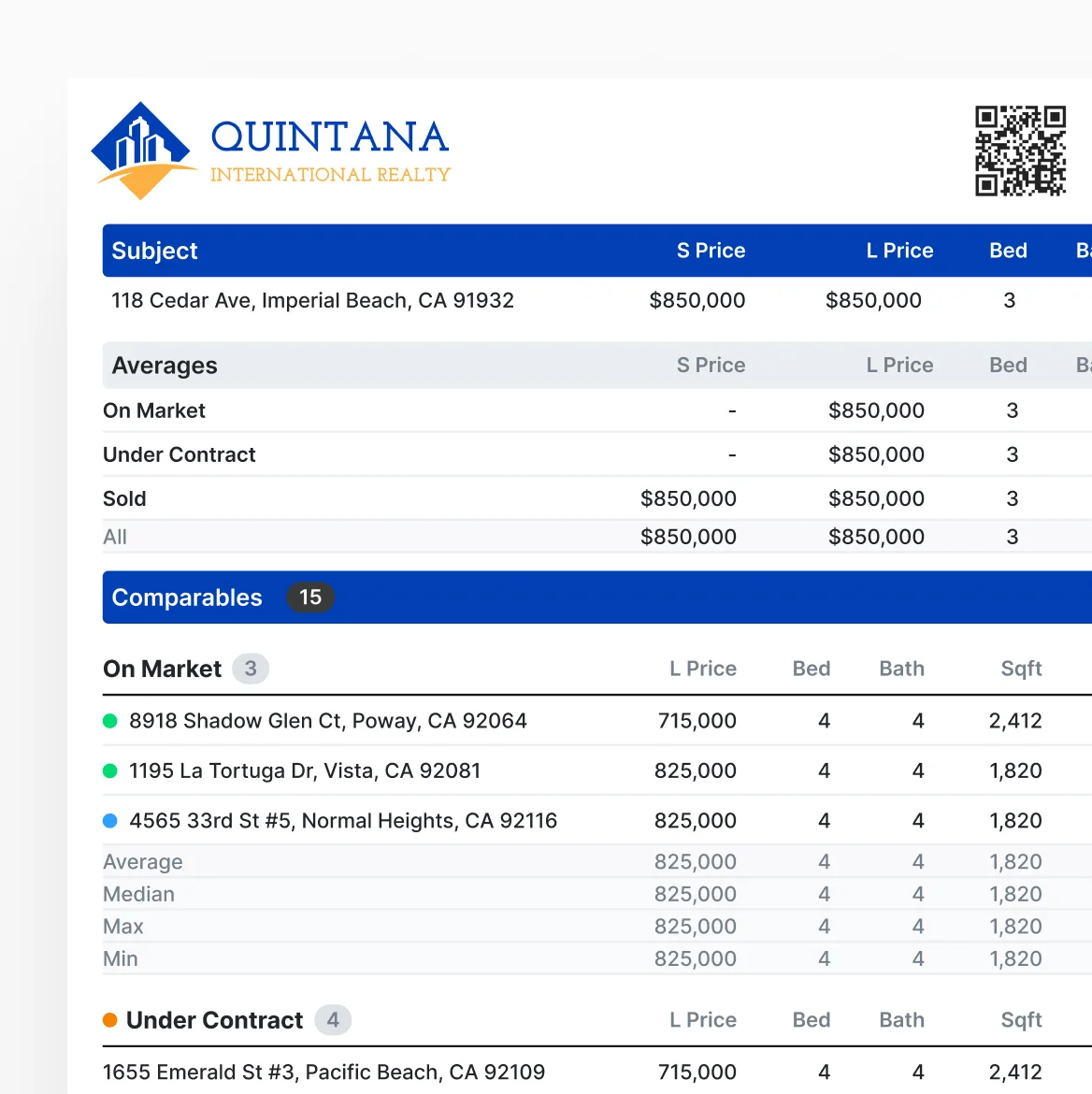
Generate CMAs, show sheets, itineraries, and open house reports with your branding.
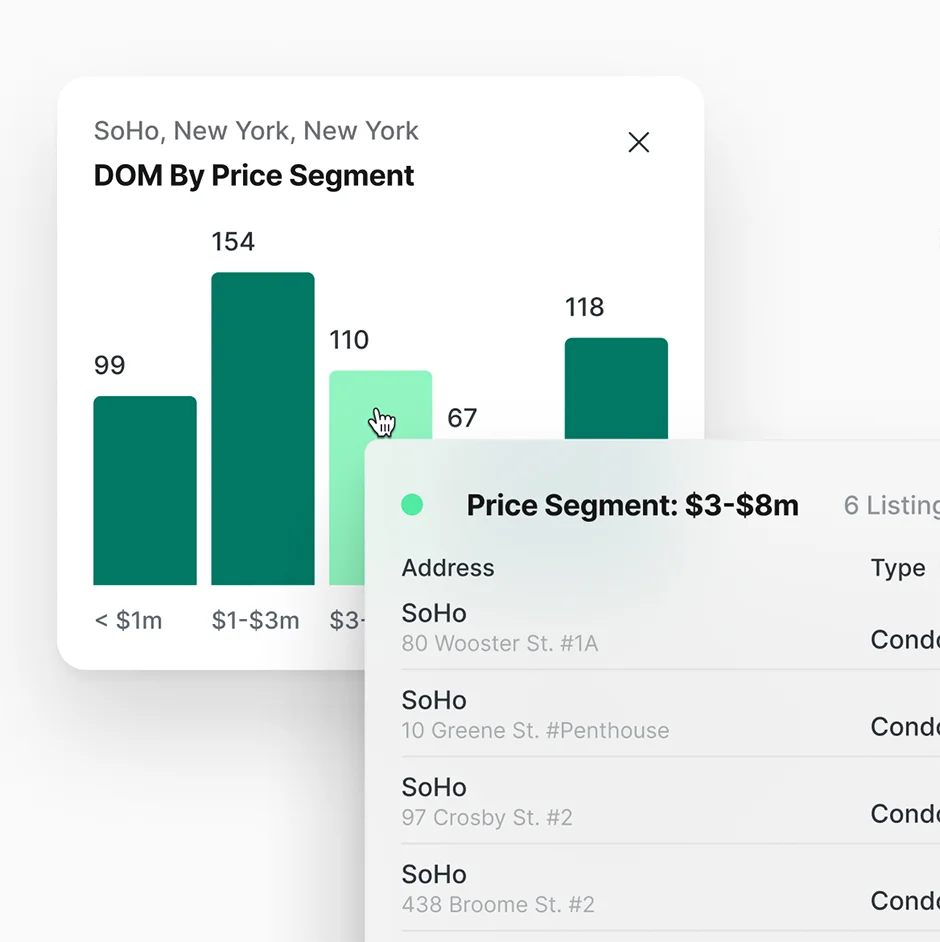
Interactive Analytics

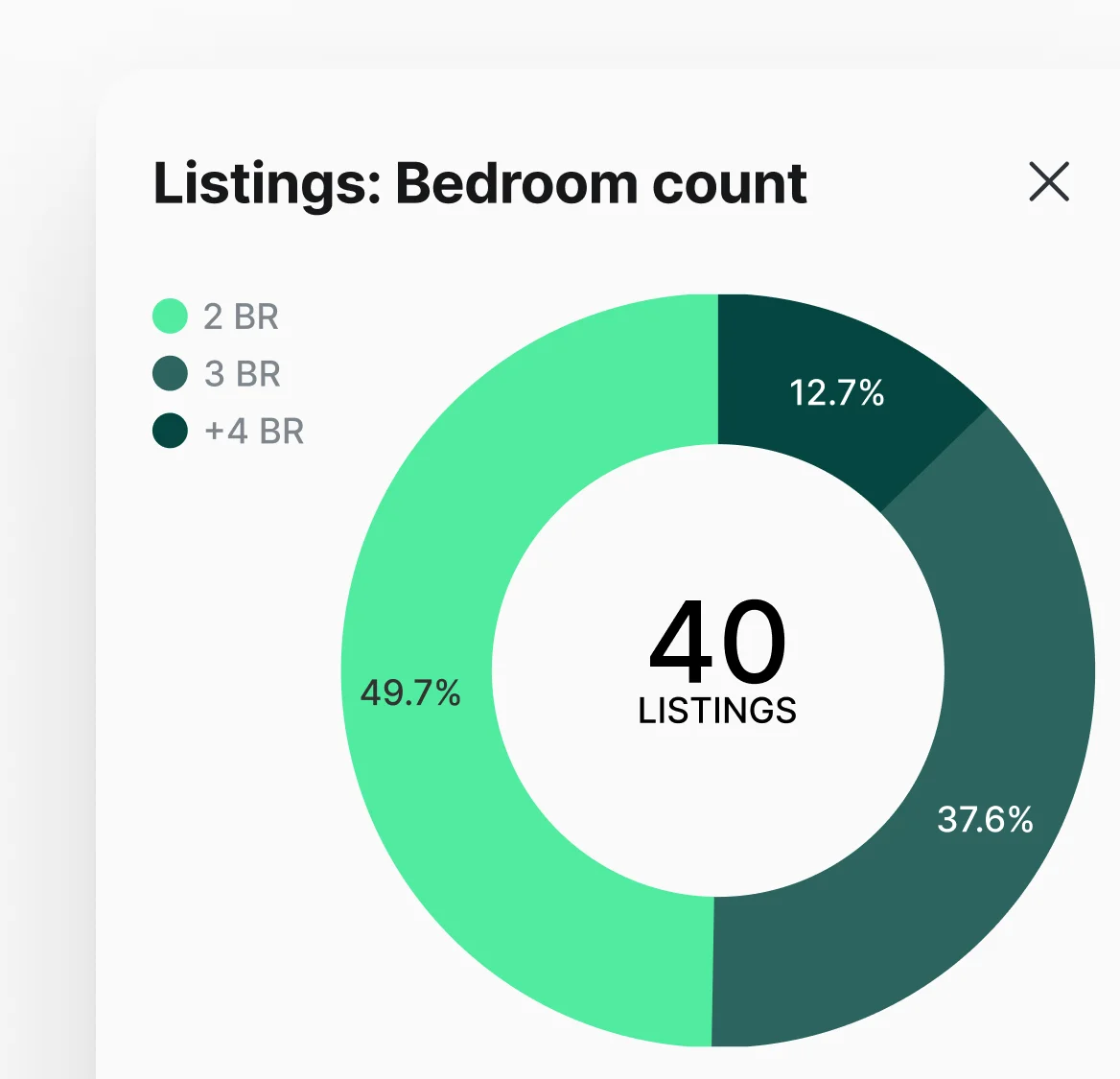
Click any chart segment to view the underlying listings, spot trends, and turn data into decisions.
Listing Presentations

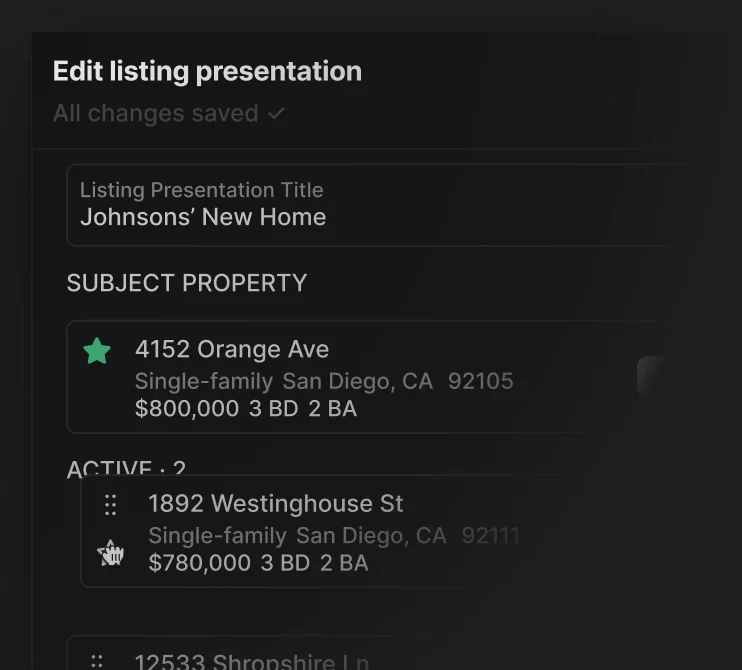
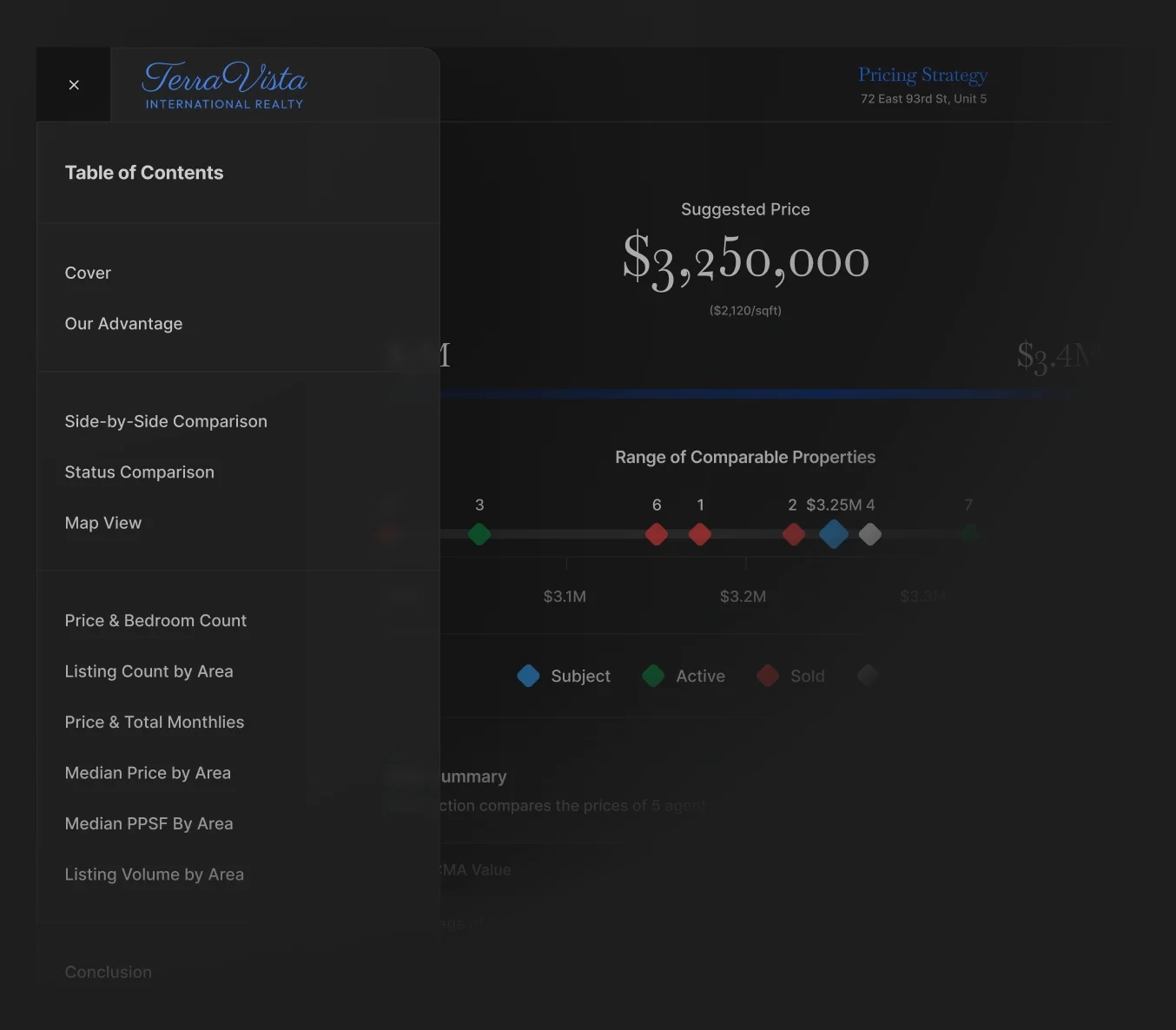
Create branded buyer and seller presentations with market insights, CMAs, and custom visuals.
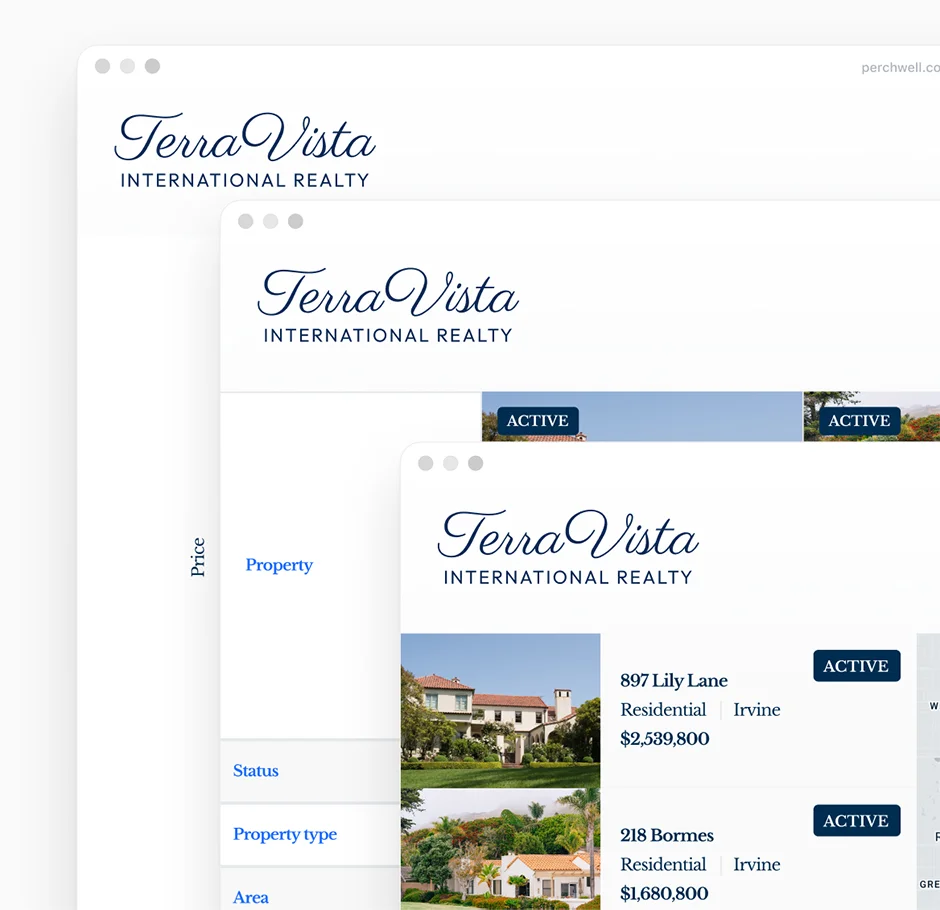
Client-ready reports

Access analytics for any saved search with one tap on web or mobile.

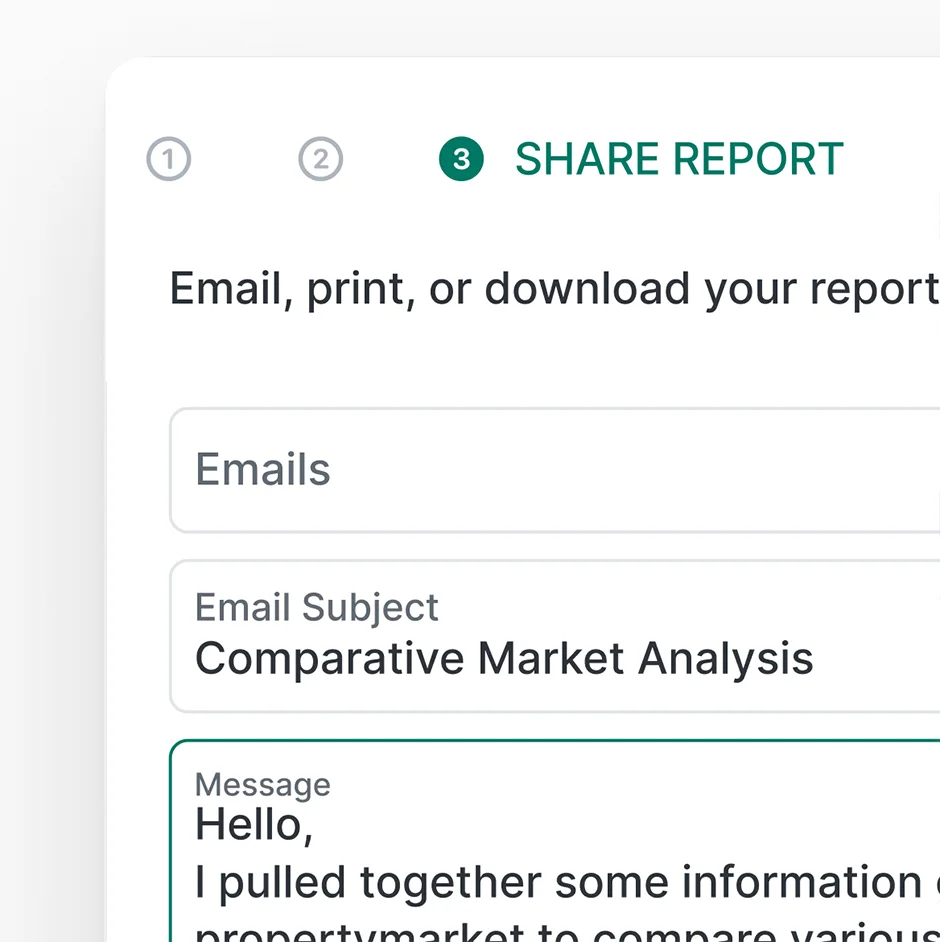
Rapid report sharing

Track agent and brokerage listing activity, transaction volume, and market share.
Analytics on any saved search

Create charts to uncover the metrics behind every saved search.
workflow

Win the listing with a polished presentation in under 10 minutes

1

~1 minUTE

Pull comps.

Open your saved search for the seller's area and click "Analytics" to view pricing trends, inventory levels, and days on market.

2

~90 secONDS

Craft rapid adjustments.

3

~30 secONDS

Generate a branded listing presentation.

Add the CMA, market trend charts, professional property photos, and your marketing plan. Customize colors and branding to match your style.

4

~30 secONDS

Share it with your client.

Send the presentation link via text or email. Your client can view the interactive presentation on any device before your meeting.

Frequently Asked Questions

What types of reports can agents create in Perchwell?

Perchwell includes eight report types: Quick CMA, Full Reports, One Page Reports, Detailed Reports, Listing Reports, Media Reports, Show Sheets, and Itinerary Reports. Every report carries your brokerage logo and agent contact information, and past reports are saved to a searchable Report Library so nothing gets lost between client meetings.

How do CMAs work in Perchwell?

Agents can pull comps from their current search, a specific listing, or a saved tag and have a branded CMA ready to share in minutes. The CMA editor lets you choose which data fields matter most for the conversation and manually add a subject property. The result is a polished, client-ready comparison that agents can email, download, or print without leaving the platform.

Can I add my brokerage branding to reports?

Yes. The brokerage logo, chart colors, and report colors are configurable.

What analytics tools are available in Perchwell?

Analytics is built directly into Search, so agents can go from filtering listings to visualizing market trends without switching tools. Charts are interactive, so you can click into any data point to see the actual listings behind it, then drop those visuals into a CMA or client presentation.

Can I create reports on my phone?

Yes. The mobile app has the same reporting capabilities as the desktop platform. You can run analytics, build branded CMAs, and share reports with clients directly from your phone. Everything syncs in real time, so a report started at the office can be finished and sent on the way to a showing.

How can you share reports with clients?

You can share reports via email or text on mobile. Every format includes brokerage branding and agent contact information. Past reports are saved to the Report Library and searchable by client, so pulling up materials from a previous conversation takes seconds rather than digging through old emails.

Join professionals nationwide using Perchwell

Book a live demo with our team

Thank you for your interest in Perchwell! A member of our sales team will contact you shortly.

Oops! Something went wrong while submitting the form. Please check your information and try again.