Bring clients back to your ecosystem

One workspace where you and your clients share listings, trade feedback, and stay in sync across web and mobile.
feature HIGHLIGHTs

Everything you need to collaborate with clients in real time

Shared Client Workspace

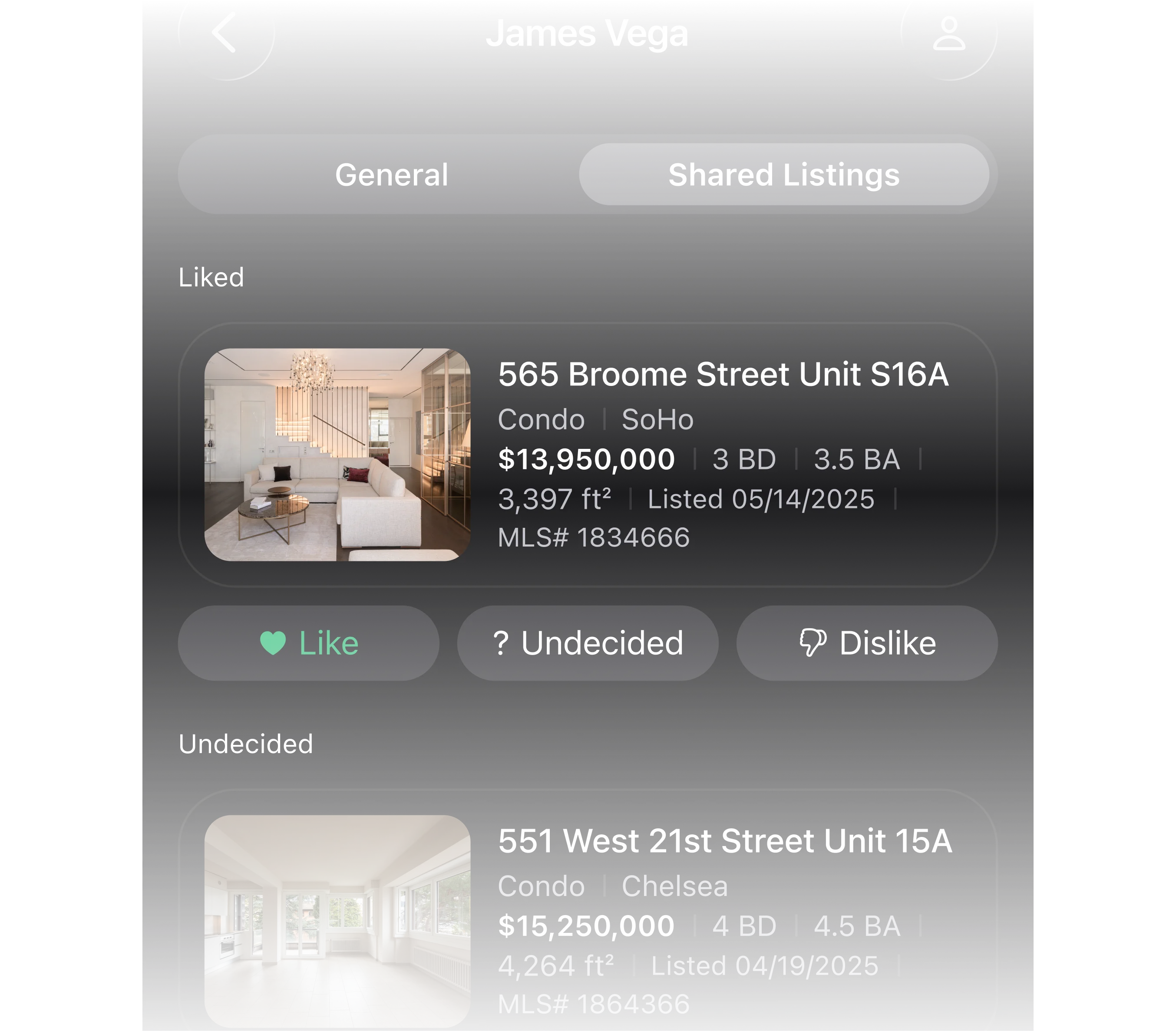
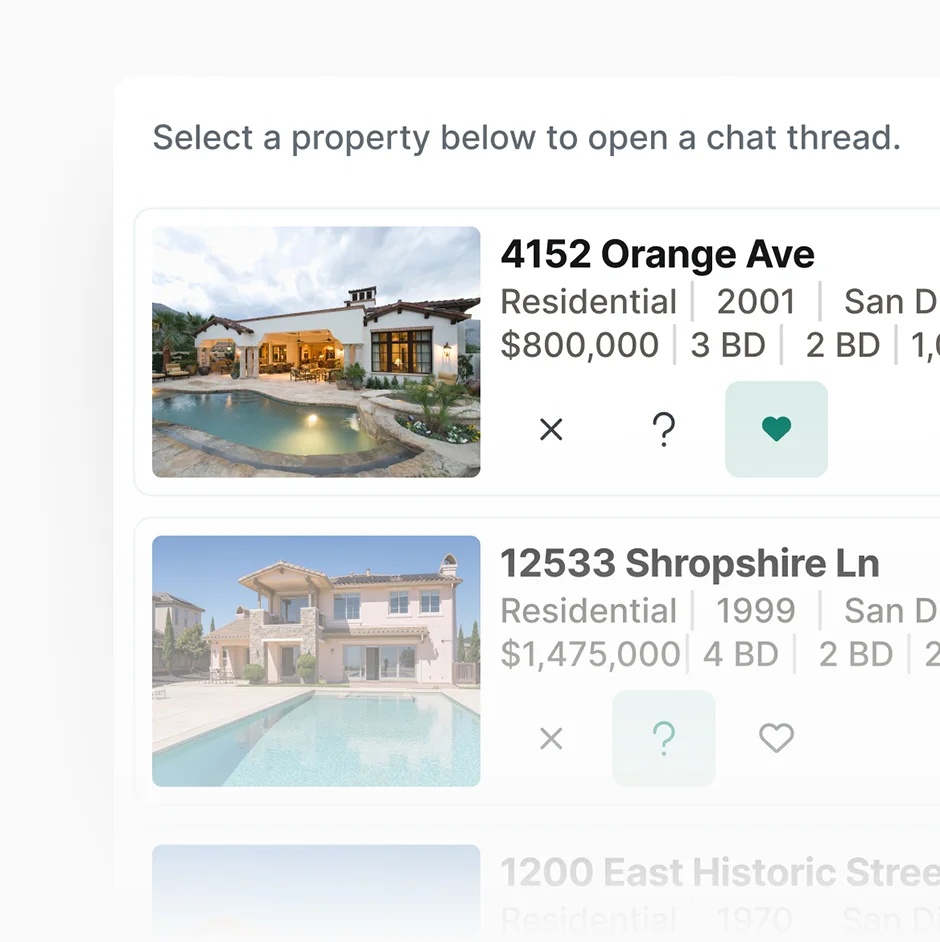
One workspace where every listing, comment, and decision stays in context.
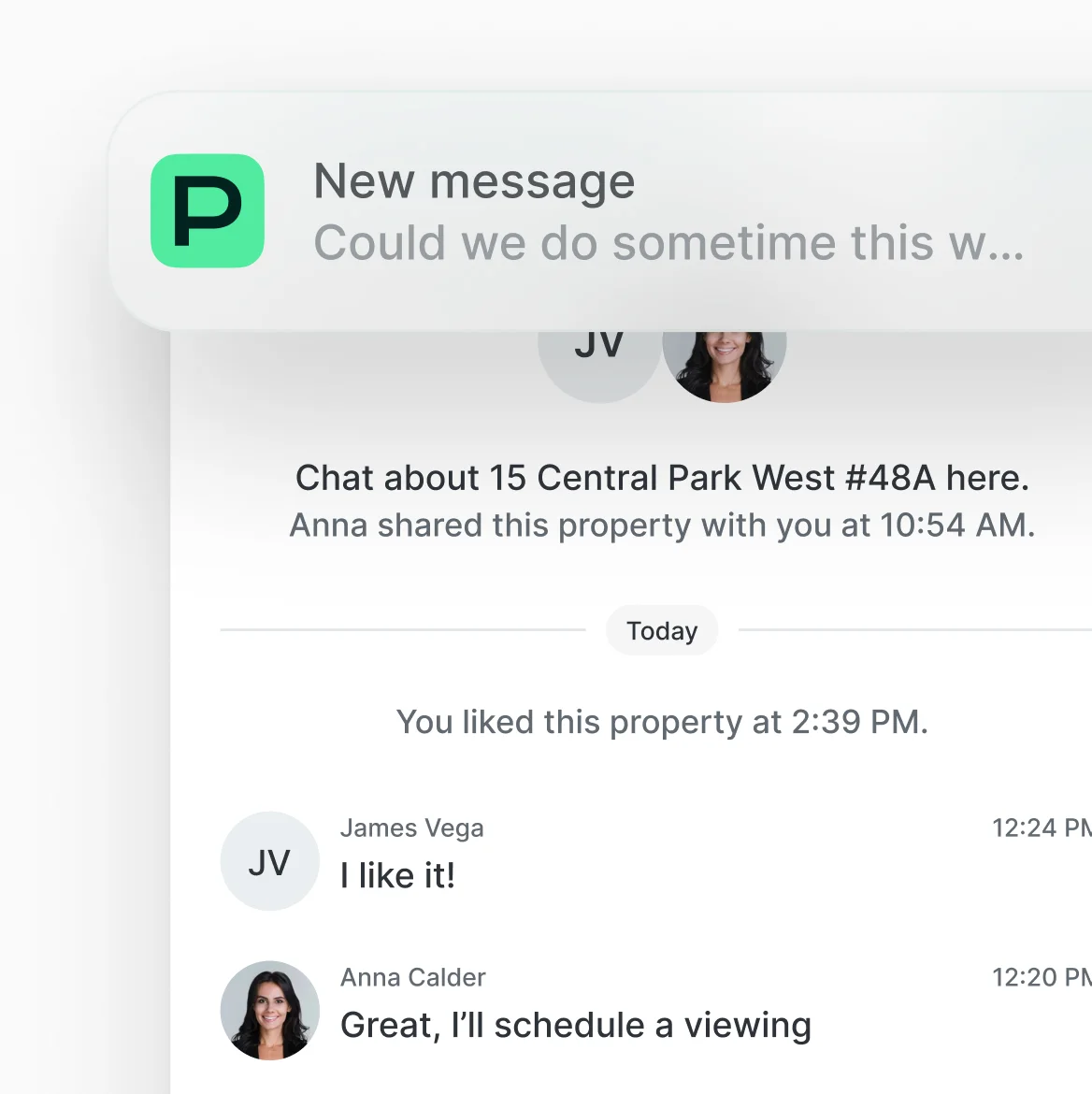
In-App Messages

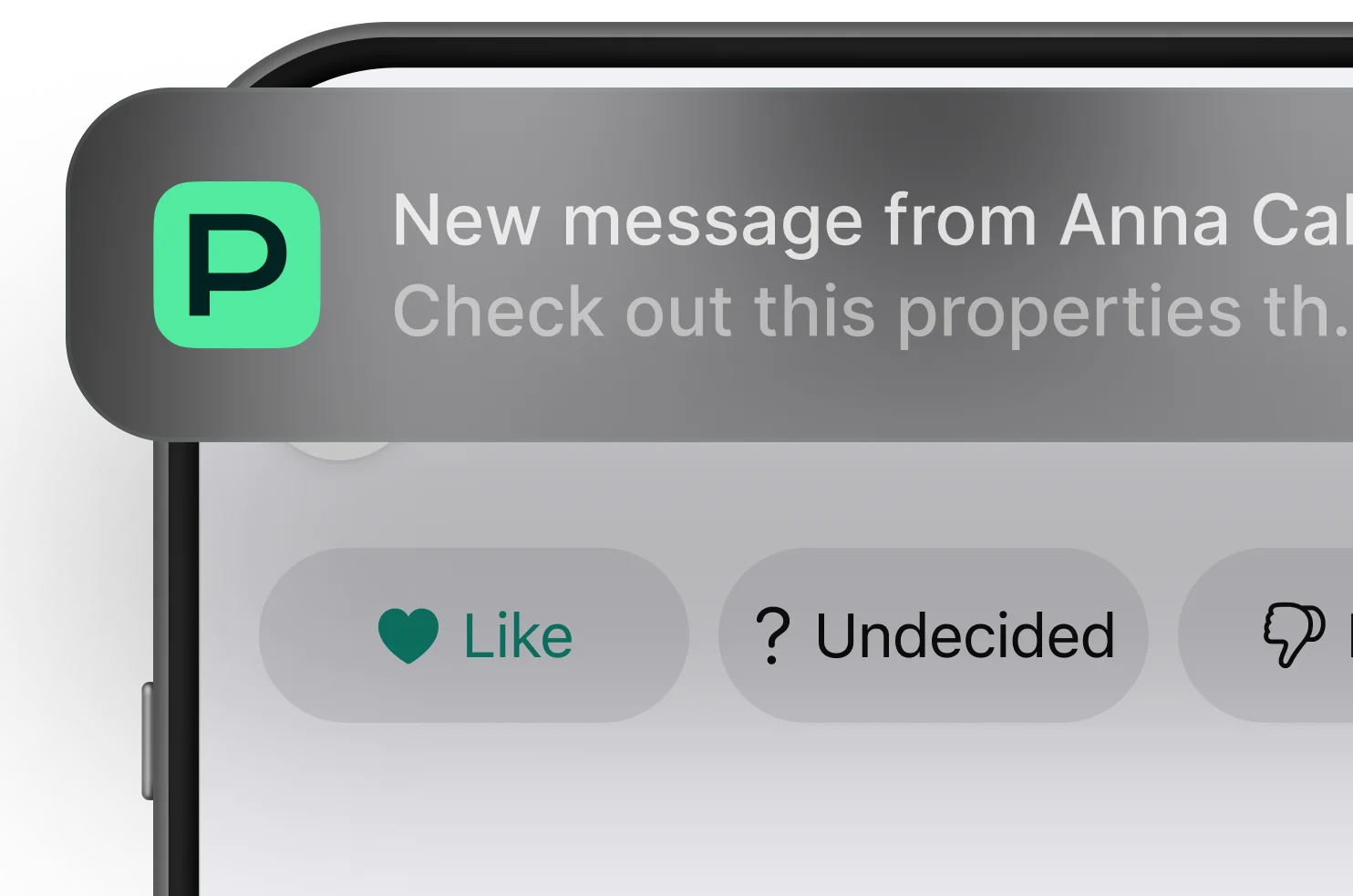
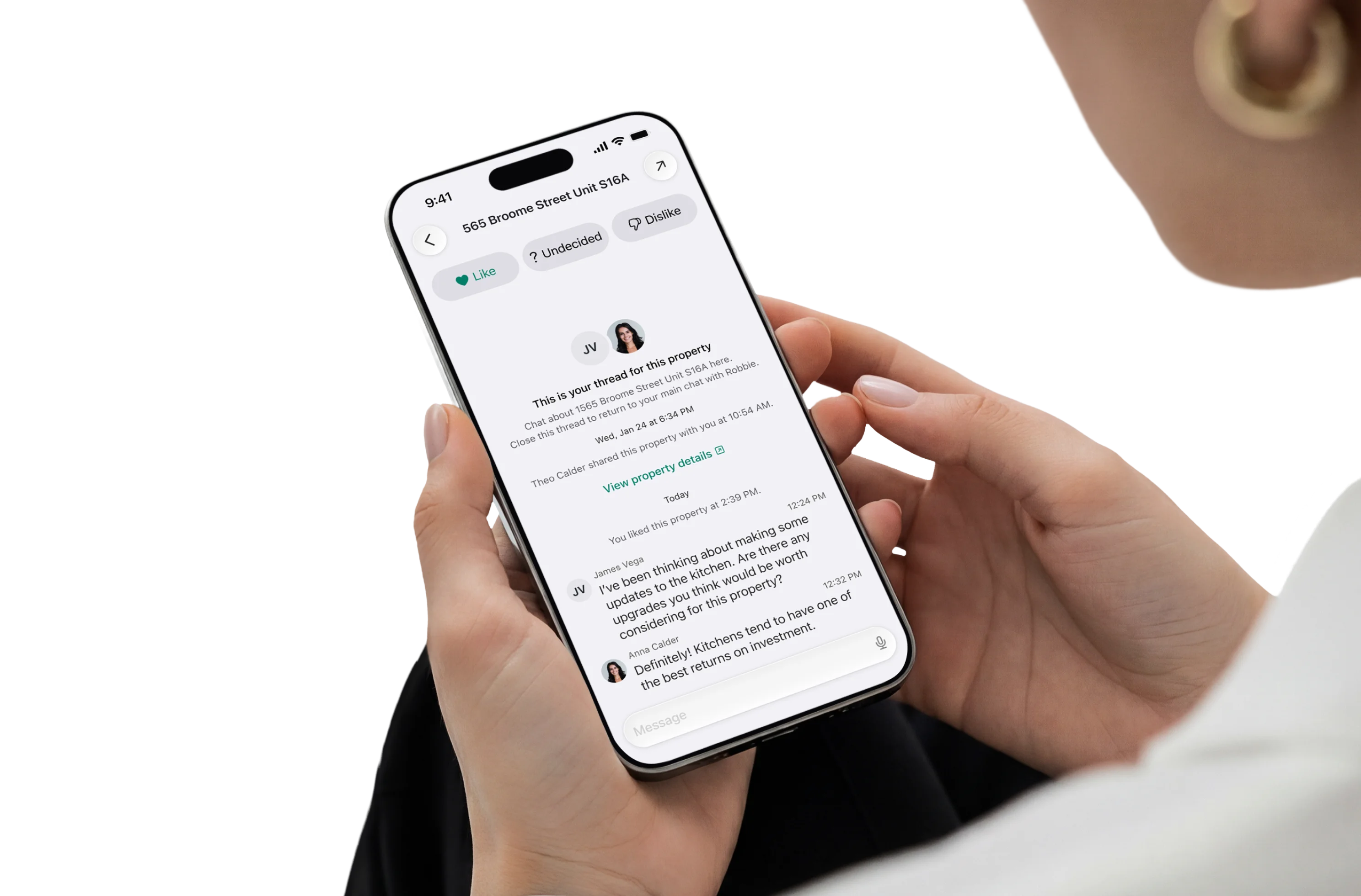
Dedicated chats that feel like instant messaging in your ecosystem with push notifications.
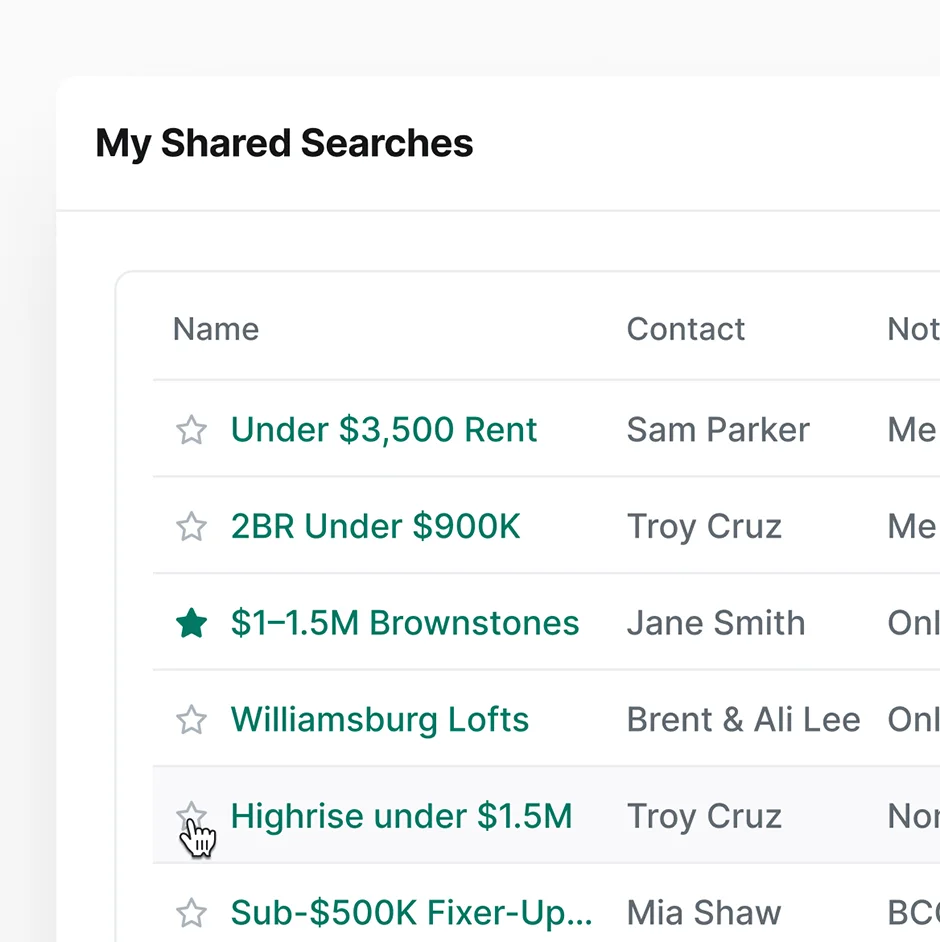
Shared Searches

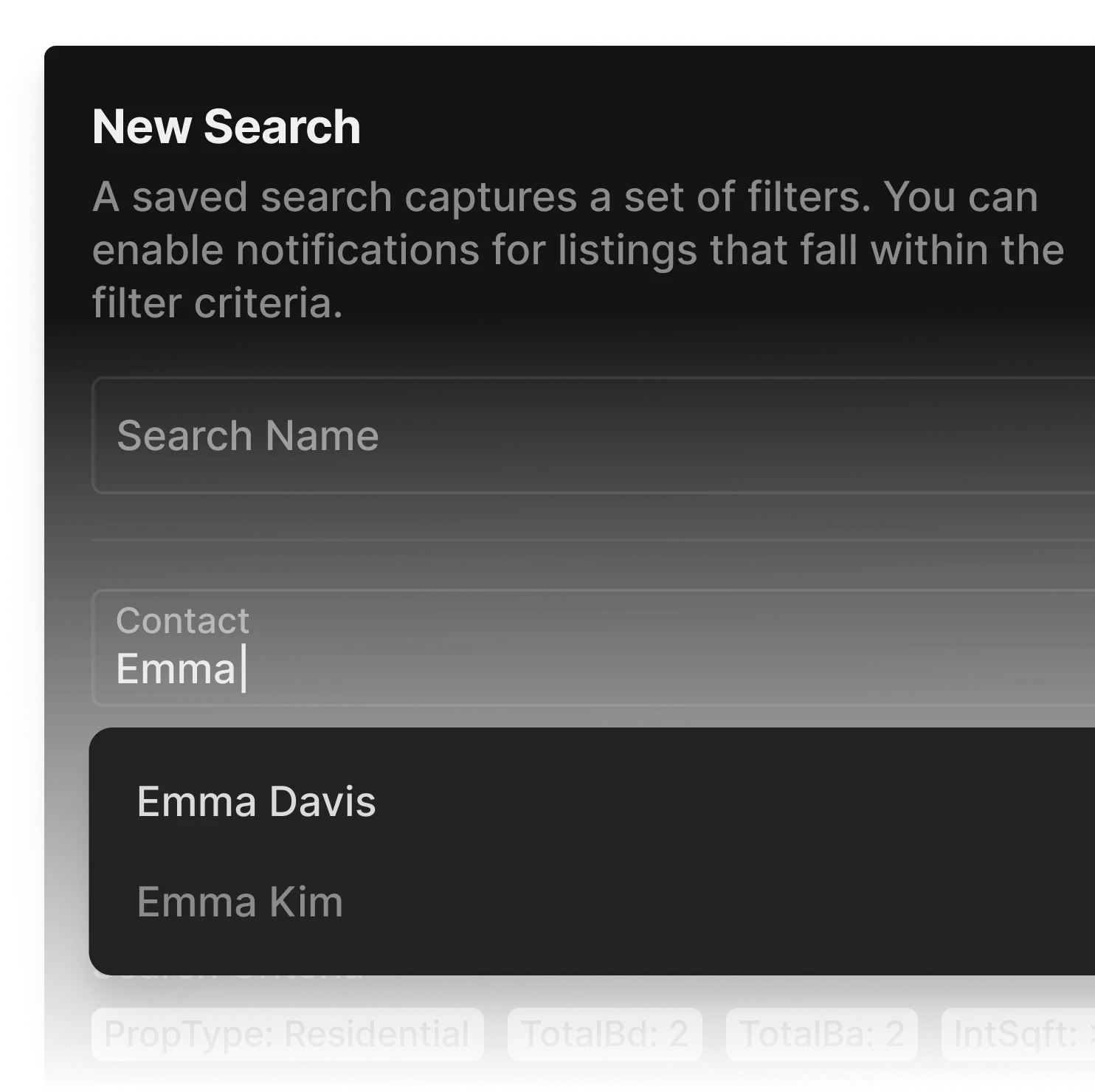
Invite clients to see the same searches that you do in Perchwell.
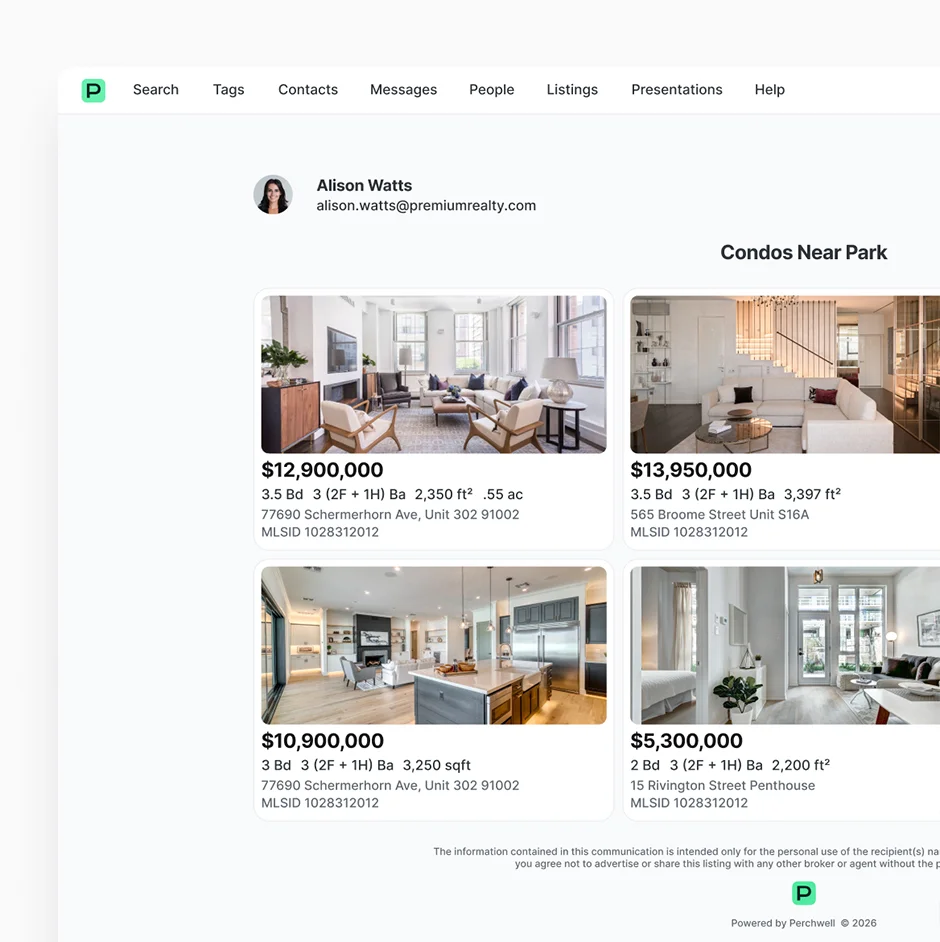
Tags & Collections

Create custom listing collections, and share them as public websites.
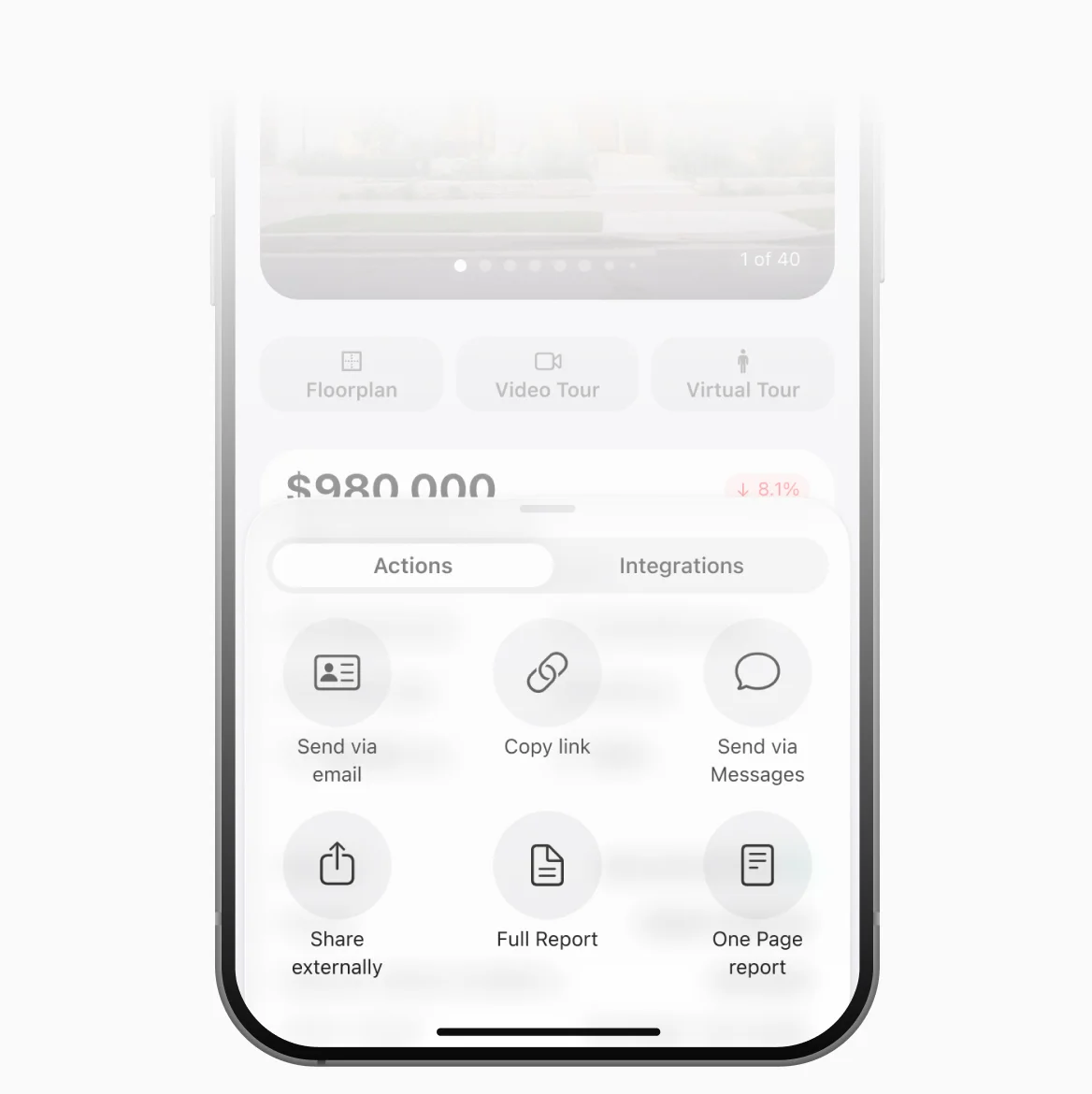
Text Messaging

Share listings, searches, and reports via iPhone or Android message.
Configurable Alerts

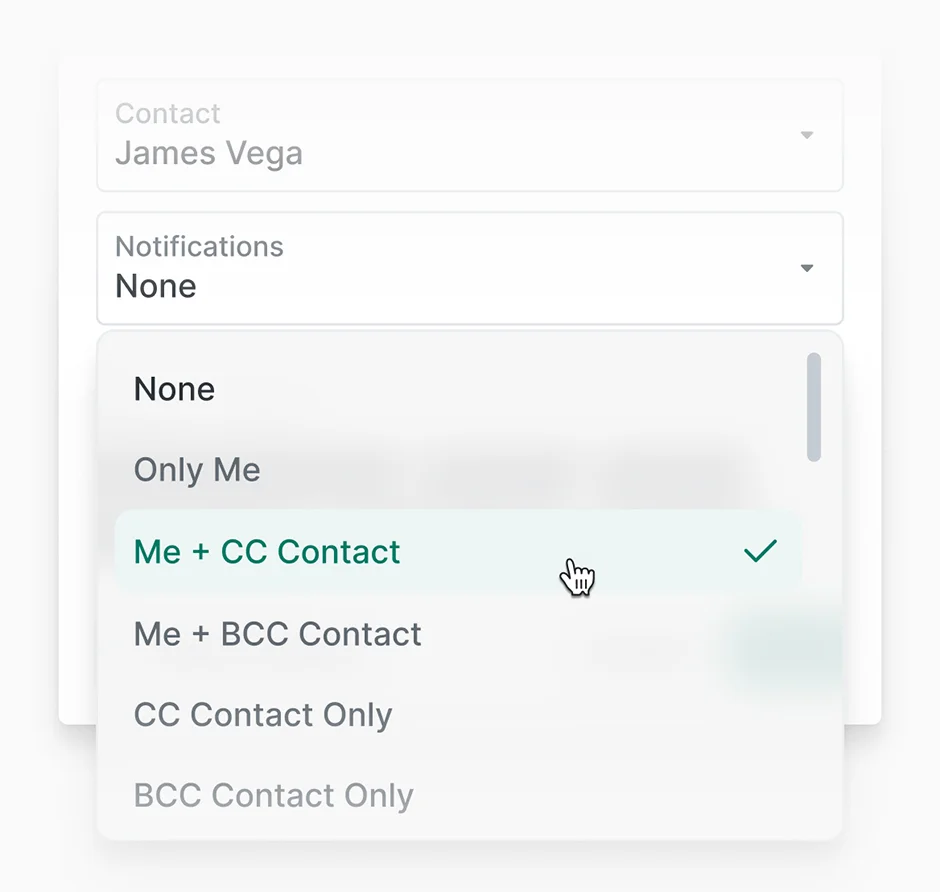
Custom notification schedules for new listings, price changes, and status updates. Clients stay informed without being overwhelmed.
workflow

Control the narrative with client collaboration.

1

~1 minUTE

Create a shared search.

Open your saved search for their target area and click "Share with Client." Add their contact info and set alert preferences (daily digest of new listings).

2

~90 secONDS

Curate the perfect listings.

Client receives a text with the link, opens it on their phone, and starts browsing immediately. No login required.

3

~30 secONDS

Onboard client feedback.

Client marks favorites, flags concerns, and leaves questions directly on properties. You get notified instantly.

4

~30 secONDS

Respond in context.

Answer client questions in the property thread, add your own notes, and tag listings for follow-up. All feedback is captured in one place.

Frequently Asked Questions

Do clients need to create an account to view shared listings?

No. You can share workspaces and searches via a public link, and clients can view and interact without creating an account. For clients who want the full mobile app experience with push notifications, you can invite them to download the Perchwell app and sign in with minimal setup.

Can I control what clients see and do in shared workspaces?

Yes. You control which searches, listings, and reports are shared with each client. You maintain full visibility into their activity (what they viewed, marked as favorites, commented on).

Does the mobile app have full collaboration features?

Yes. Clients can browse shared listings, mark favorites, leave comments, and message you from mobile with the same functionality as web. You can respond to client activity from mobile as well. Everything syncs instantly.

How does client collaboration integrate with search and reports?

Any saved search can be shared with clients with one click. Any listing in a shared workspace can be added to a branded report or CMA. It's all one unified platform, so you don't export, forward, or switch tools to move from research to collaboration to presentation.

Can I collaborate with multiple clients at once?

Yes. Create separate workspaces for each client or share the same search with multiple clients (useful for brokerage teams working together). Each client sees their own workspace, and you see all client activity organized by contact in your dashboard.

How do alerts work? Can clients customize their notification preferences?

You set default alert preferences when sharing a search (instant notifications, daily digest, weekly summary, or manual only). Clients can adjust their own notification settings if they want more or fewer updates. Alerts cover new listings matching the search, price changes, and status updates.

Join professionals nationwide using Perchwell

Book a live demo with our team

Thank you for your interest in Perchwell! A member of our sales team will contact you shortly.

Oops! Something went wrong while submitting the form. Please check your information and try again.